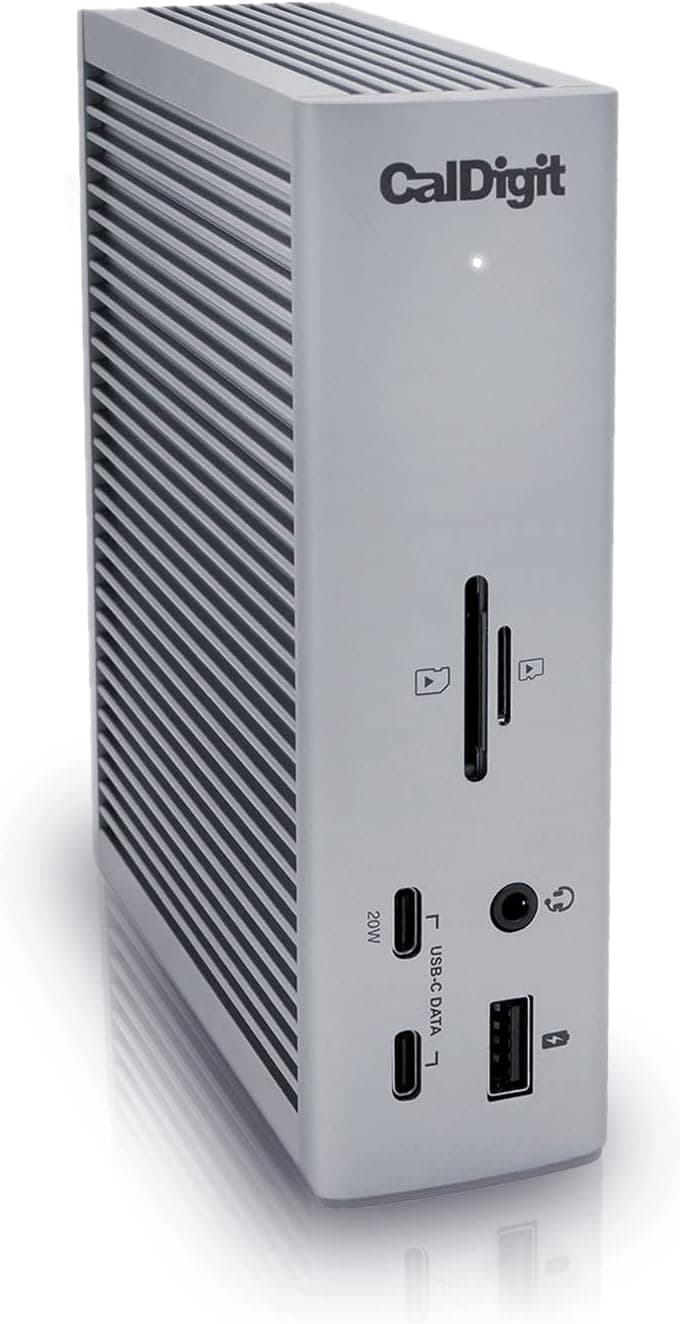
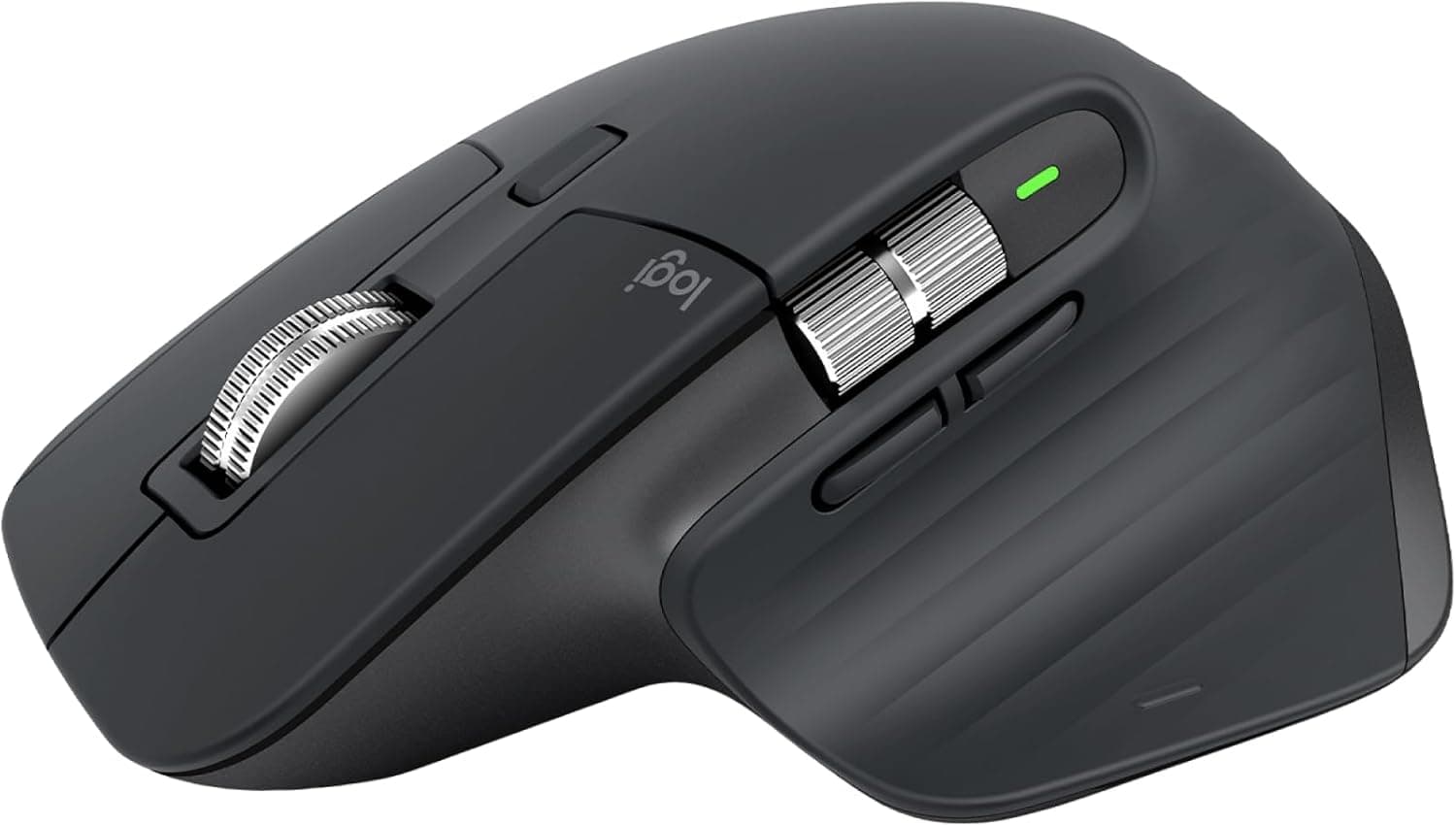
It depends entirely on your peripheral count and display requirements. In our testing, USB-C hubs in the $30-60 range handled basic setups well - a single external monitor, keyboard, mouse, and one storage device worked without issues. But when we connected two 4K displays, an external SSD, an audio interface, and multiple USB peripherals simultaneously, only Thunderbolt 4 docks maintained full bandwidth without stuttering or device disconnects. If you use one external display and a few peripherals, save money with a quality USB-C hub. If you run a multi-monitor creative workstation, the investment in a Thunderbolt 4 dock pays for itself in reliability and avoided frustration.
No, provided you use a charger that supports USB Power Delivery (USB-PD) from a reputable brand. In our testing with six third-party chargers over three months, we observed zero battery health degradation compared to Apple's own adapter. macOS intelligently negotiates the correct voltage and amperage regardless of the charger brand. The key is avoiding no-name chargers that lack proper USB-PD certification, which can deliver inconsistent power. All the chargers we recommend are USB-IF certified and performed identically to Apple's adapter in our battery health monitoring. Using a lower-wattage charger simply means slower charging, not damage.
For MacBook Pro models with M3 Pro, M4 Pro, or higher chips, you can connect two displays directly via the HDMI port and a USB-C/Thunderbolt port - no adapters needed beyond appropriate cables. A Thunderbolt dock like the CalDigit TS4 simplifies this further by routing both displays through a single cable. For the base M3 or M4 MacBook Pro, which officially supports only one external display, some users have found success using DisplayLink-based docks to drive a second screen, though this involves software-based rendering that can introduce slight lag. In our testing, the native dual-display experience through Thunderbolt was significantly smoother than DisplayLink workarounds.
After extensive testing, we found a clear ergonomic benefit even though Apple's built-in keyboard is excellent. The issue is not keyboard quality but body position - typing on a flat laptop forces you to look down and angle your wrists upward, which our testers reported caused discomfort after four or more hours. Pairing an external keyboard with a laptop stand that elevates the screen to eye level transforms the ergonomic equation entirely. Three of our four testers reported measurable reductions in neck and wrist strain during our month-long evaluation. If you use your MacBook Pro at a desk for more than three hours daily, the keyboard and stand combination is one of the highest-impact upgrades you can make.
For most users, a USB 3.2 Gen 2 SSD delivering around 1,000 MB/s reads is more than sufficient. In our practical testing, transferring a 50GB photo library took about 50 seconds at these speeds versus 45 seconds on a faster Thunderbolt drive - a difference most people will never notice. Where faster Thunderbolt SSDs justify their premium is in professional video editing workflows: scrubbing through 4K ProRes footage directly from the drive requires sustained high bandwidth that USB 3.2 can struggle with during complex timelines. If you primarily back up files, transfer photos, or store documents, save money with a USB 3.2 Gen 2 drive. If you edit multi-stream 4K or 8K video directly from external storage, invest in a Thunderbolt-connected drive.
Our testing consistently showed that third-party alternatives from established brands match or exceed Apple accessories in performance while costing 30-50% less. The Anker Prime charger delivered identical charging speeds to Apple's adapter at a lower price and smaller size. The Cable Matters Thunderbolt 4 cable performed identically to Apple's Thunderbolt 4 Pro cable in our bandwidth tests. Where Apple accessories hold an edge is in guaranteed first-day macOS compatibility and Apple Store support if something goes wrong. For buyers who want simplicity and are willing to pay a premium for it, Apple accessories eliminate guesswork. For everyone else, the third-party options we recommend here deliver equivalent performance, are backed by reputable warranty programs, and keep more money in your pocket.

 1/5
1/5