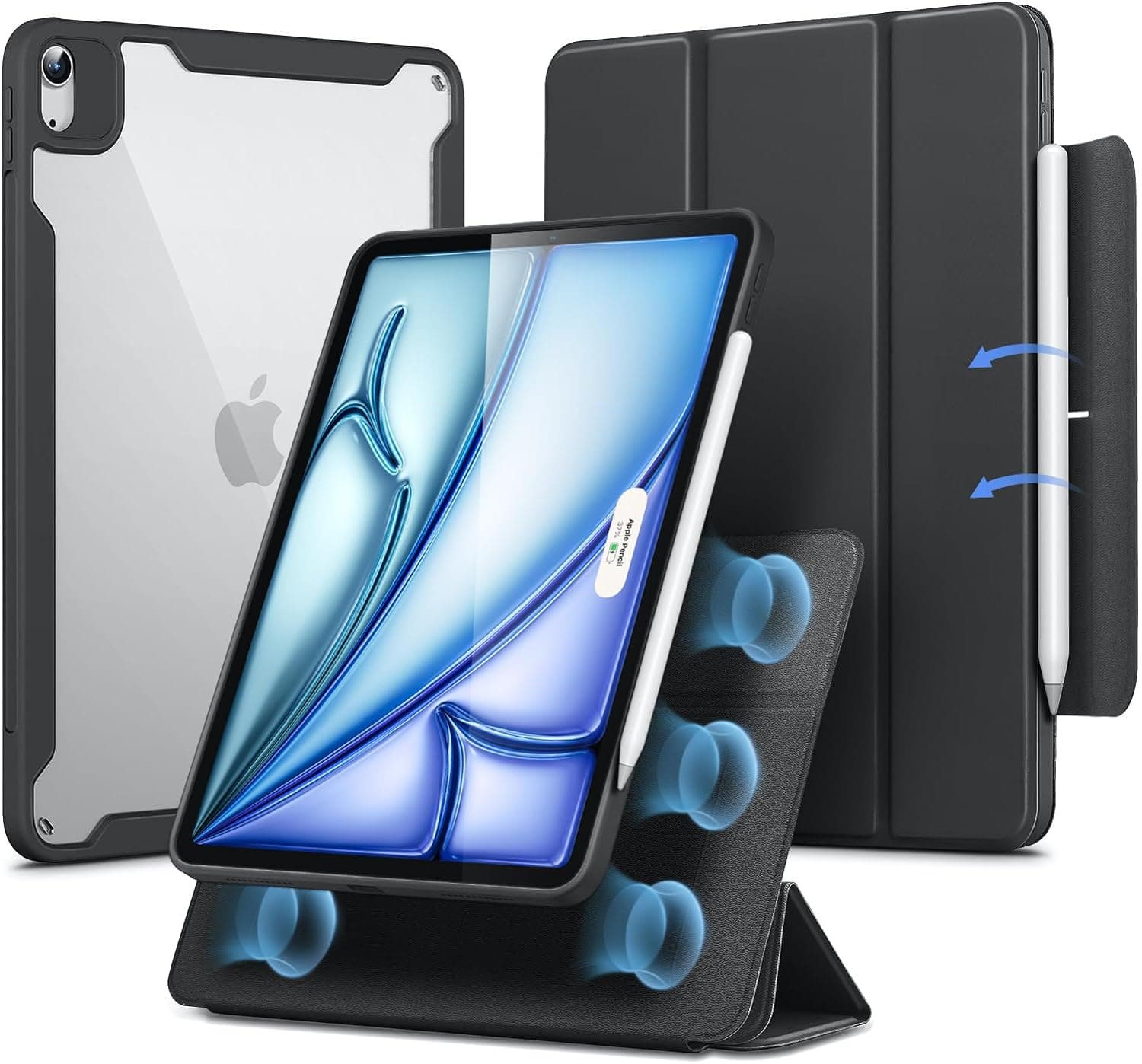
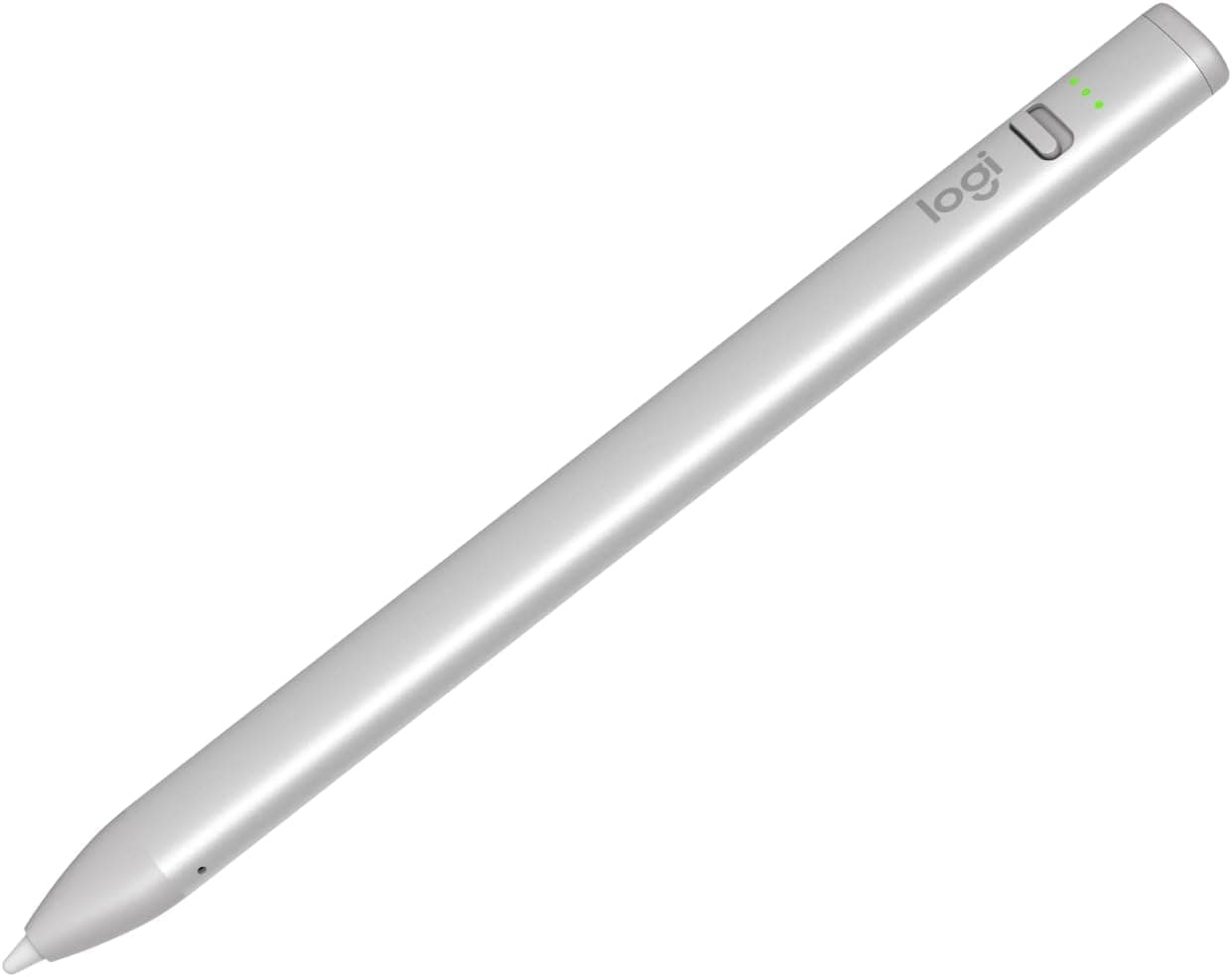
No - the iPad Air M4 is compatible with Apple Pencil Pro and Apple Pencil (USB-C) only. The older Apple Pencil 1st generation (Lightning connector) and Apple Pencil 2nd generation are not compatible with the iPad Air M4. Apple Pencil Pro offers the full feature set including pressure sensitivity, barrel roll, haptic squeeze, and hover detection. The Apple Pencil (USB-C) provides basic functionality with tilt sensitivity but lacks pressure sensitivity and the advanced Pro features. Third-party styluses like the Logitech Crayon that use Apple Pencil technology also work and offer a budget-friendly alternative for note-taking and basic drawing tasks.
Yes, and this is one of the iPad Air M4's most underrated capabilities. The M4 chip supports Stage Manager with full external display output, which means a connected monitor becomes an independent workspace rather than a simple mirror. You can run different apps on each screen, resize windows, and drag content between displays just like on a Mac. The iPad Air M4 supports up to 6K external display resolution, though most portable monitors top out at 1080p or 4K. A single USB-C cable can handle both video output and power for many portable monitors. Keep in mind that driving an external display does increase battery drain by approximately 30-40%, so keeping the iPad plugged in during extended dual-screen sessions is recommended.
It depends on how you prioritize typing quality versus versatility. In our testing, the Magic Keyboard delivered the best typing experience and trackpad of any iPad keyboard case - the key travel, backlighting, and trackpad precision genuinely rival a laptop. The floating cantilever design also looks fantastic. However, at $299 it costs nearly as much as many Chromebooks. The Logitech Combo Touch at $200 provides roughly 85% of the typing experience with significant added benefits: a detachable keyboard, adjustable kickstand with more viewing angles, and full wraparound case protection. If you primarily type and want the premium experience, the Magic Keyboard justifies its price. If you frequently switch between typing, drawing, and watching content, the Combo Touch's versatility makes it the smarter investment.
For basic use - browsing, streaming, note-taking, and light productivity - the single USB-C port is fine. You charge overnight and use Bluetooth for peripherals during the day. But the moment you need to connect to an external display, import photos from an SD card, plug in a USB drive, or use a wired microphone, the single port becomes a bottleneck. A USB-C hub is particularly valuable for photographers who import from camera cards, presenters who connect to projectors, and anyone using the iPad Air as a desktop replacement with an external monitor. We recommend at minimum a hub with 4K HDMI, USB-A, and SD card slots. If your hub does not include power passthrough, plan your charging around hub sessions since you cannot charge while connected.
A paper-feel screen protector does increase Apple Pencil Pro tip wear compared to bare glass - in our testing, tips wore down approximately 30% faster with the Paperlike 2.1 installed. However, the tips are designed to be replaceable, and a four-pack of replacement tips from Apple costs $19. For most users who write or draw regularly, a set of replacement tips lasts several months even with a paper-feel protector installed. The trade-off is absolutely worth it for serious note-takers and artists - the improved control and natural writing feel dramatically outweigh the modest cost of occasional tip replacements. If you only use the Pencil occasionally, you may prefer to keep the bare glass and accept the slightly slippery surface to avoid any extra wear.
Based on our extensive testing, the ideal laptop-replacement setup combines a keyboard case, a mouse, and a stand or external display. Start with either the Apple Magic Keyboard or Logitech Combo Touch for typing and trackpad input. Add a compact Bluetooth mouse like the Logitech Pebble Mouse 2 for tasks where a trackpad feels limiting - spreadsheet work, photo editing, and precision selections all benefit from a mouse. For home or office use, connect a portable or desktop USB-C monitor through a hub to gain Stage Manager dual-screen productivity. Add a USB-C hub with HDMI and USB-A ports to eliminate the single-port limitation. This complete setup costs between $350 and $550 depending on your choices, weighs under 4 pounds total, and provides a genuinely capable workstation that travels in any backpack. The key is treating the iPad Air M4 not as a tablet with accessories bolted on, but as a modular computer whose form factor adapts to your current task.

 1/5
1/5