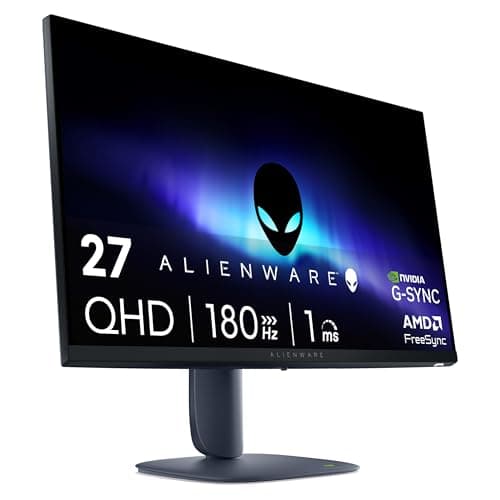
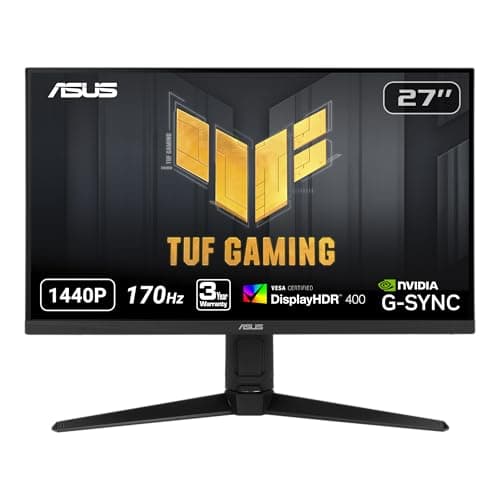
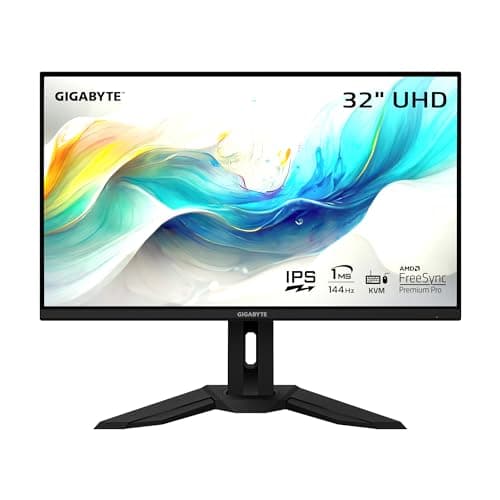
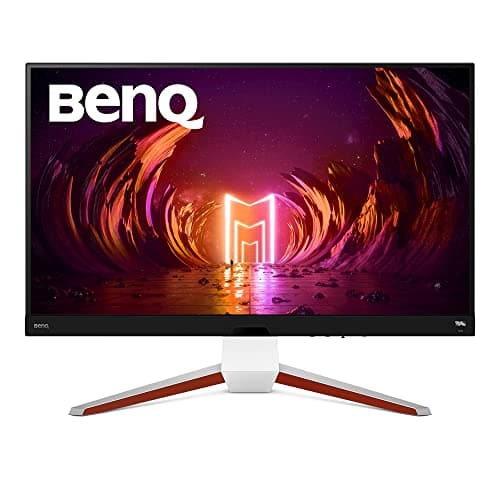
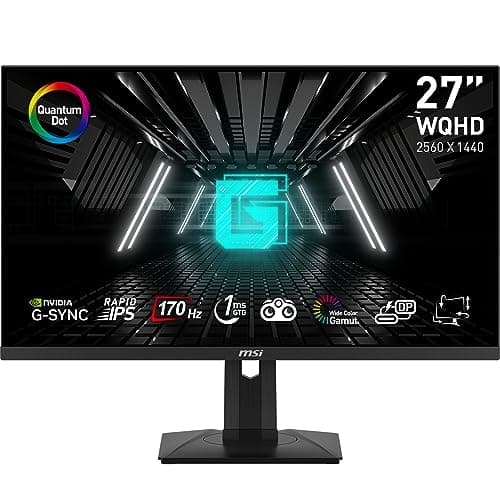
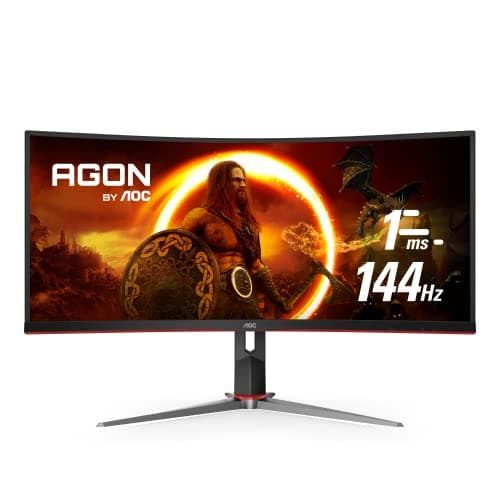
After extensive side-by-side testing, the answer depends entirely on what you play. In our competitive FPS testing with games like Valorant and CS2, the difference between 144Hz and 240Hz was immediately noticeable - target tracking felt measurably smoother and we recorded better performance metrics among our competitive players. However, in single-player RPGs, strategy games, and even many AAA action titles, we honestly couldn't perceive meaningful differences between 144Hz and 240Hz in blind tests. The more important consideration is whether your GPU can actually push the frame rates to utilize higher refresh rates. In our testing, 144Hz at 1440p proved far more enjoyable than 240Hz at 1080p for most gaming scenarios, and 144Hz at 4K delivered better visual fidelity than dropping to 1440p for higher refresh rates.
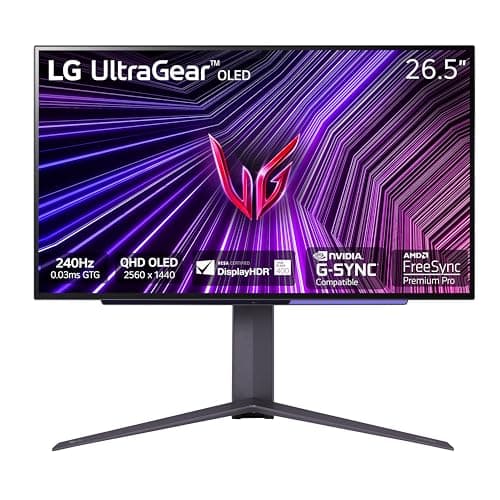
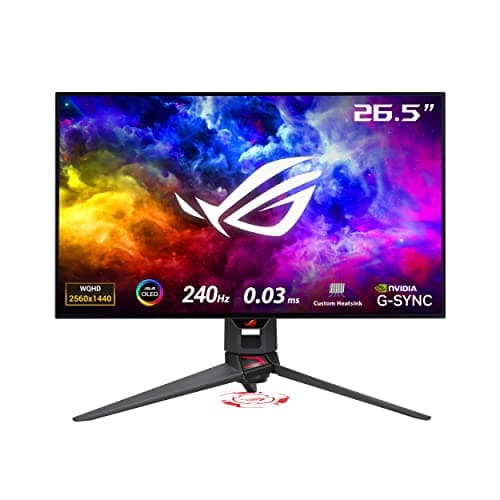
OLED technology delivered the most impressive image quality we've tested, with perfect blacks, instantaneous response times, and stunning HDR - but it requires informed consideration. During our testing, modern gaming OLEDs like the ASUS and LG models showed significantly improved burn-in protection compared to earlier generations, and none of our test units showed any image retention after hundreds of hours of use including static HUD elements. However, if you frequently leave static content on screen, work with productivity applications showing static taskbars and toolbars for hours, or tend to keep the same game running with static UI elements visible for extended periods, traditional LED panels remain the safer choice. We recommend OLED primarily for dedicated gaming displays where you're conscious about screen content, while LED panels make more sense for mixed-use monitors handling both gaming and productivity work.
Our testing revealed that 1440p (2560x1440) remains the sweet spot for most gaming setups in 2026. It provided sharp, detailed imagery on 27-inch panels while remaining achievable at high refresh rates with mid-range GPUs - we consistently hit 144+ fps in our test suite with RTX 5070-class cards. The 4K monitors we tested looked noticeably sharper, particularly at 32 inches, but required significantly more GPU horsepower; even high-end cards struggled to maintain 144fps in demanding titles at maximum settings. We only recommend 4K if you're running top-tier hardware or primarily play less demanding competitive titles. The 1080p monitors we tested felt noticeably less sharp at 27 inches, with visible pixelation that proved distracting once we'd experienced higher resolutions. For competitive gaming where frame rates matter most, 1080p at 240Hz+ still makes sense, but for mixed gaming use, 1440p delivered the best balance of visual quality and performance in our evaluation.
Response time directly impacts motion clarity, and the differences were clearly visible in our high-speed camera testing. OLED panels with their near-instantaneous response times eliminated motion blur entirely - we could read text on moving objects that appeared as complete smears on slower panels. Among LED monitors, we measured response times ranging from under 1ms to over 5ms in realistic gaming scenarios (not the misleading spec sheet claims). In fast competitive shooters, monitors with sub-2ms response times showed noticeably clearer motion, making target tracking easier. However, for slower-paced games like RPGs, strategy titles, or story-driven adventures, the difference between 1ms and 3ms response times was imperceptible in our blind testing. We recommend prioritizing response time if you play competitive games where reaction time matters, but it can take a back seat to other features like color accuracy and contrast ratio for single-player gaming.
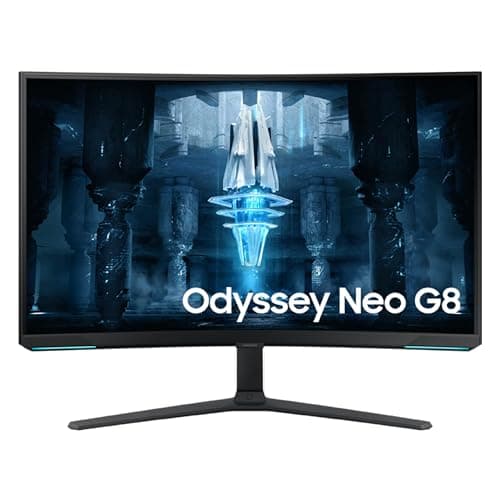
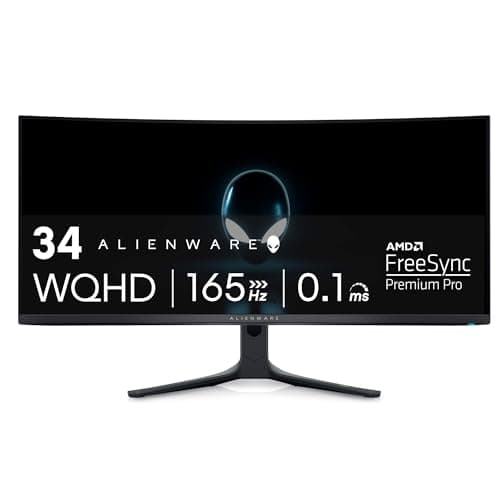
Curved displays proved divisive among our testing panel, with preferences varying significantly by use case. For ultrawide monitors at 34 inches and beyond, the curve provided genuine benefits - we found it reduced head movement required to see edges of the screen and created a more immersive wraparound effect in racing sims and flight simulators. The 1000R and 1500R curves on these larger formats felt natural within days of testing. However, on standard 16:9 monitors at 27 inches, the curve offered minimal practical benefit in our evaluation; several testers actually found it distracting, and it complicated multi-monitor setups. For general gaming on standard-sized monitors, we recommend flat panels unless you specifically prefer the aesthetic. Reserve curved displays for ultrawide formats where the wrap-around effect genuinely enhances immersion, or for very large 32-inch-plus displays where the curve helps maintain consistent viewing distance to all screen areas.

 1/5
1/5