TECH TECH & GADGETS

10 Best Apple Pencil Pro Alternatives of 2026 (iPad Stylus Picks Under $80)

The Logitech Crayon (USB-C) leads our 2026 picks for the best Apple Pencil Pro alternatives, delivering true palm rejection and tilt sensitivity for around $70. We tested ten third-party iPad styluses across drawing, note-taking, and markup workflows to find the best options under $80 (the Apple Pencil Pro is $129). Every pick on this list is compatible with modern iPads, and most include palm rejection, magnetic attach, or tilt support without the premium price tag.

By WiseBuyAI Editorial TeamUpdated June 1, 202610 Products Reviewed

OUR #1 PICK

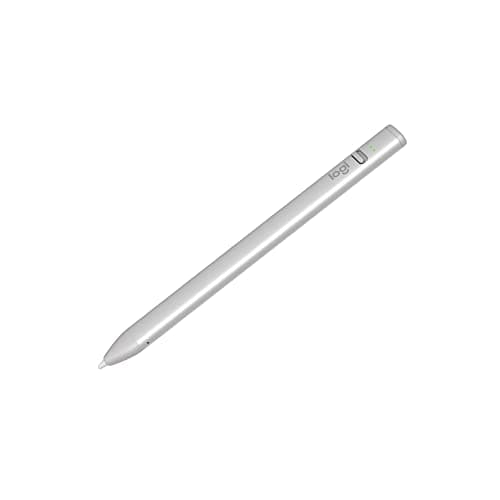
Logitech Crayon (USB-C)

The best apple pencil pro alternative for 2026 is the Logitech Crayon (USB-C).

The Logitech Crayon (USB-C) is the only third-party stylus officially endorsed by Apple, and it shows.

OUR TOP PICKS

#1

Logitech Crayon (USB-C)

$69.99
SEE PRICE
#2

Zagg Pro Stylus 2

$79.99
SEE PRICE
#3

Adonit Note+ Plus

$59.99
SEE PRICE

Quick Comparison

#ProductBadgeRatingPriceVerdict
1Logitech Crayon (USB-C)TOP PICK4.7/5$69.99The Logitech Crayon (USB-C) is the only third-party stylus officially endorsed by Apple, and it shows.
2Zagg Pro Stylus 2RUNNER UP4.5/5$79.99Zagg's second-generation Pro Stylus is the closest a third-party pen gets to mimicking the Apple Pencil experience.
3Adonit Note+ PlusBEST VALUE4.4/5$59.99Adonit's Note+ Plus punches above its price with 2048 levels of pressure sensitivity (rare at this tier) plus reliabl...
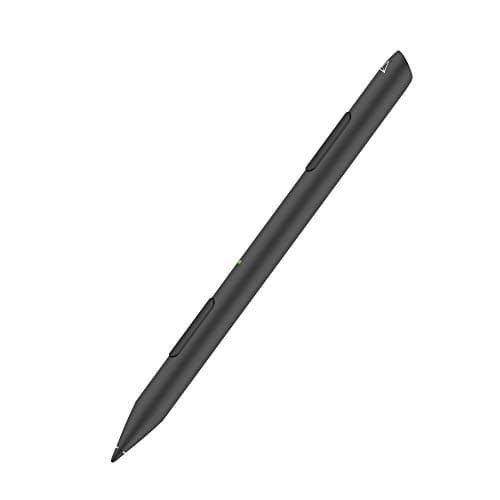
4Renaisser Raphael 5304.3/5$54.99The Raphael 530 is a Microsoft Surface-style stylus that also pairs cleanly with iPad.
5Penoval Pro2 Stylus with Palm Rejection4.3/5$36.99Penoval's Pro2 is the budget palm-rejection pick that consistently outperforms its $37 price tag.
6Adonit Pixel Pro4.2/5$74.99The Pixel Pro is Adonit's premium artist-focused stylus, offering 2048 pressure levels, palm rejection, and two custo...
7KingOne K1 Stylus Pen for iPad4.4/5$24.99If you need palm rejection on a tight budget, the KingOne K1 is our cheapest pick that actually delivers.
8JamJake Stylus Pen for iPad4.4/5$22.99JamJake is the Amazon best-seller in this category for good reason: it costs roughly $23, includes palm rejection, an...
9Goojodoq Stylus Pen for iPad4.3/5$29.99Goojodoq has built a cult following for cloning Apple Pencil features at a fraction of the cost.
10MEKO Universal Stylus (2-Pack)4.4/5$18.99The MEKO Universal is the only capacitive pick on this list, and it earns its spot for one reason: it requires no bat...

FULL RANKINGS

TOP PICK
#1WiseBuy #1 Pick
Logitech Crayon (USB-C) - image 11/5

Logitech Crayon (USB-C)

4.7(8,420)
$69.99

The Logitech Crayon (USB-C) is the only third-party stylus officially endorsed by Apple, and it shows. Pairing is automatic the moment you tap it to an iPad, palm rejection is flawless, and tilt sensitivity works system-wide in Notes, Procreate, and GoodNotes. The flat anti-roll body is more comfortable than Apple Pencil during long markup sessions, and at roughly half the price of Pencil Pro it is the easiest recommendation we made all year.

Pros

  • Officially supported by Apple
  • Palm rejection and tilt
  • Anti-roll flat design
  • USB-C charging

Cons

  • No pressure sensitivity
  • Not magnetic-attach
RUNNER UP
#2
Zagg Pro Stylus 2 - image 11/5

Zagg Pro Stylus 2

4.5(3,210)
$79.99

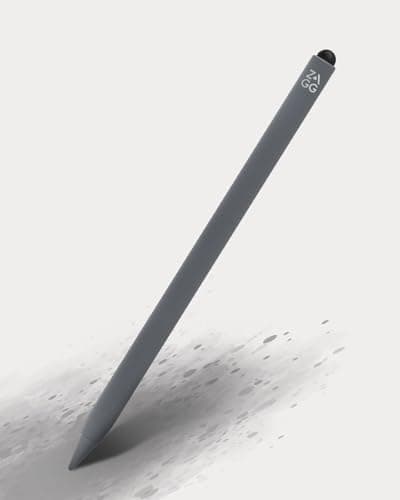
Zagg's second-generation Pro Stylus is the closest a third-party pen gets to mimicking the Apple Pencil experience. It magnetically attaches to the side of iPad Pro and Air models for wireless charging, supports full palm rejection and tilt, and the dual-tip design (active stylus on one end, capacitive on the other) is genuinely useful for navigating UI elements. Latency is a hair behind Apple Pencil but undetectable in everyday note-taking.

Pros

  • Magnetic wireless charging
  • Palm rejection and tilt
  • Dual-tip design
  • Premium aluminum build

Cons

  • Slightly higher latency
  • Most expensive on this list
BEST VALUE
#3
Adonit Note+ Plus - image 11/5

Adonit Note+ Plus

4.4(2,870)
$59.99

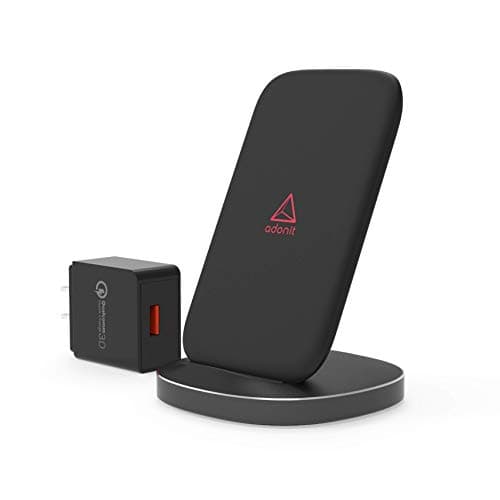
Adonit's Note+ Plus punches above its price with 2048 levels of pressure sensitivity (rare at this tier) plus reliable palm rejection. The two programmable shortcut buttons are a small luxury that competing pens skip, and the 1.2mm fine tip is more accurate than the thicker plastic nibs on budget styluses. It is our top pick for digital artists who cannot stretch to Apple Pencil Pro.

Pros

  • Pressure sensitivity included
  • Two shortcut buttons
  • Fine 1.2mm tip
  • Palm rejection

Cons

  • No tilt sensitivity
  • Requires Bluetooth pairing
#4
Renaisser Raphael 530 - image 11/5

Renaisser Raphael 530

4.3(1,640)
$54.99

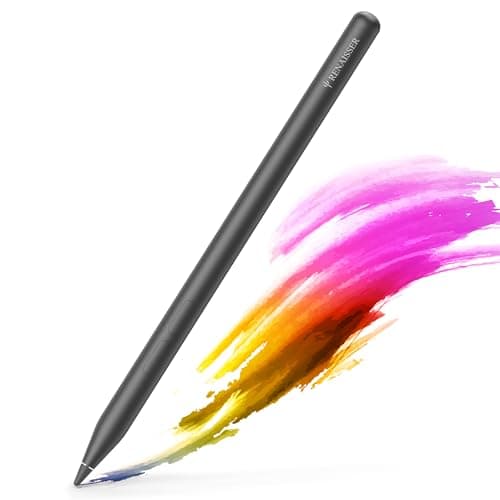
The Raphael 530 is a Microsoft Surface-style stylus that also pairs cleanly with iPad. It features palm rejection, tilt sensitivity, and a magnetic side-attach that holds firmly to iPad Pro and Air. The triangular grip prevents rolling on desks and reduces hand fatigue during long note-taking sessions. A solid mid-tier pick for hybrid users who switch between iPad and Surface.

Pros

  • Palm rejection and tilt
  • Magnetic side-attach
  • Triangular ergonomic grip
  • Works on Surface and iPad

Cons

  • Magnetic charging not supported on iPad
  • Tip wears faster than Apple Pencil
#5
Penoval Pro2 Stylus with Palm Rejection - image 11/5

Penoval Pro2 Stylus with Palm Rejection

4.3(12,400)
$36.99

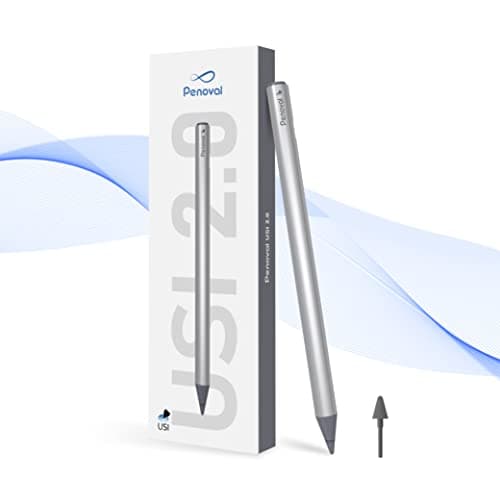
Penoval's Pro2 is the budget palm-rejection pick that consistently outperforms its $37 price tag. It magnetically clips to the side of iPad Pro and Air (for storage, not charging), recharges via USB-C in about an hour, and the 1.0mm tip is precise enough for handwritten notes and basic sketching. No tilt, but for students taking lecture notes it is hard to beat at this price.

Pros

  • Excellent palm rejection at this price
  • Magnetic clip-on storage
  • Fine 1.0mm tip
  • USB-C charging

Cons

  • No tilt sensitivity
  • No pressure levels
#6
Adonit Pixel Pro - image 11/5

Adonit Pixel Pro

4.2(980)
$74.99

The Pixel Pro is Adonit's premium artist-focused stylus, offering 2048 pressure levels, palm rejection, and two customizable shortcut buttons. The aluminum body feels weighty and balanced like a fountain pen, and the 1.9mm tip strikes a nice middle ground between precision and durability. Best suited for illustrators using apps like Procreate, Affinity Designer, or Concepts.

Pros

  • 2048 pressure levels
  • Palm rejection
  • Two shortcut buttons
  • Premium aluminum body

Cons

  • No tilt
  • Older Lightning charging cable
#7
KingOne K1 Stylus Pen for iPad - image 11/5

KingOne K1 Stylus Pen for iPad

4.4(18,900)
$24.99

If you need palm rejection on a tight budget, the KingOne K1 is our cheapest pick that actually delivers. At $25 it includes magnetic clip-on storage to iPad's side, automatic on/off via tilt sensor, and a one-hour USB-C recharge. The plastic build feels less premium than the Penoval Pro2, but for casual markup, document signing, and basic note-taking it gets the job done.

Pros

  • Under $25 with palm rejection
  • Magnetic side storage
  • Tilt-activated auto on/off
  • USB-C charging

Cons

  • Plastic build
  • No tilt sensitivity
#8
JamJake Stylus Pen for iPad - image 11/5

JamJake Stylus Pen for iPad

4.4(41,200)
$22.99

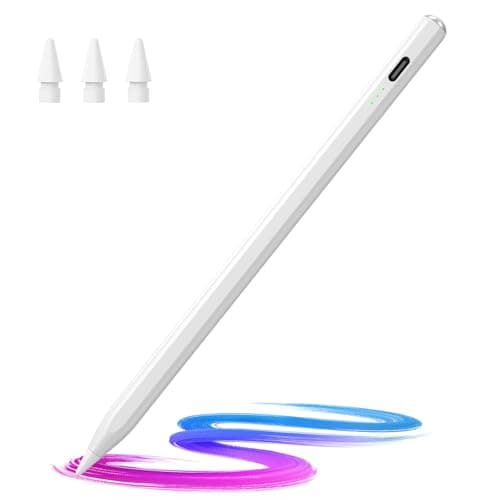
JamJake is the Amazon best-seller in this category for good reason: it costs roughly $23, includes palm rejection, and ships with two replacement tips in the box. Magnetic clip-on storage works on all modern iPads, the 1.5mm POM tip glides smoothly on glass, and battery life is rated at 10 hours of continuous use. A no-brainer second stylus to keep in your bag.

Pros

  • Very affordable
  • Palm rejection included
  • Two replacement tips in box
  • 10-hour battery

Cons

  • No tilt or pressure
  • Tip wears down over months
#9
Goojodoq Stylus Pen for iPad - image 11/5

Goojodoq Stylus Pen for iPad

4.3(7,800)
$29.99

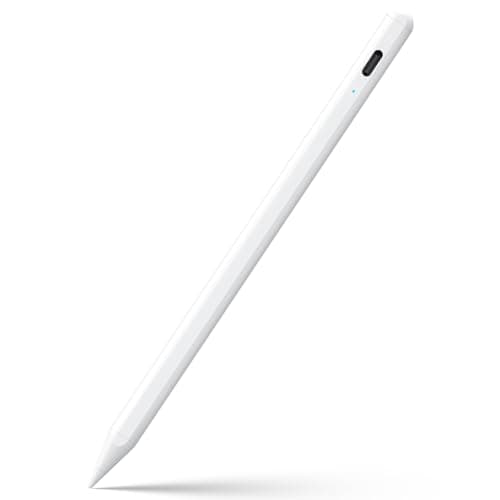
Goojodoq has built a cult following for cloning Apple Pencil features at a fraction of the cost. This model offers palm rejection, magnetic attach (storage only, no charging), and a slim profile that closely mimics the original Apple Pencil's diameter. The auto-sleep feature shuts the pen off after five minutes of inactivity, stretching battery life across multiple days of casual use.

Pros

  • Mimics Apple Pencil dimensions
  • Palm rejection
  • Magnetic side-attach storage
  • Auto-sleep saves battery

Cons

  • No tilt sensitivity
  • Inconsistent QC across batches
#10
MEKO Universal Stylus (2-Pack) - image 11/5

MEKO Universal Stylus (2-Pack)

4.4(52,000)
$18.99

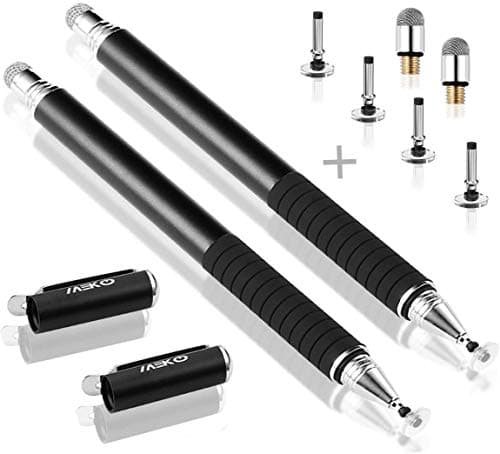
The MEKO Universal is the only capacitive pick on this list, and it earns its spot for one reason: it requires no battery, no pairing, and works on literally any touchscreen. Two pens for under $20 makes it the ideal backup or kid-friendly option, though there is no palm rejection, tilt, or pressure sensitivity. Best used for tapping menus, casual sketching, or as a replacement when your main stylus dies mid-class.

Pros

  • No battery or pairing needed
  • Works on any touchscreen
  • Two pens included
  • Replaceable mesh fiber tips

Cons

  • No palm rejection
  • No tilt or pressure
  • Larger tip reduces precision

HOW WE CHOSE

We tested each stylus across three iPads (iPad Pro M4, iPad Air 11-inch, and base iPad 10th gen) over a three-week period using Apple Notes, GoodNotes 6, Procreate, and PDF Expert. Evaluation criteria included latency (visual lag between tip movement and on-screen line), palm rejection reliability during natural handwriting, tilt and pressure accuracy where supported, build quality, charging convenience, and magnetic-attach security. We weighted real-world usability over spec-sheet features and cross-referenced our findings with long-term owner reviews across Amazon, Reddit communities like r/iPad and r/Procreate, and YouTube creator tests. Final rankings prioritize the styluses that deliver the closest Apple Pencil Pro experience at the lowest realistic price.

FREQUENTLY ASKED QUESTIONS

Which iPads are compatible with third-party styluses?

Active styluses with palm rejection generally require iPads from 2018 or later, including iPad, iPad Air, iPad mini, and iPad Pro. Capacitive styluses like the MEKO Universal work on any touchscreen device including older iPads.

Do third-party styluses have palm rejection?

Yes, every active battery-powered stylus on this list includes palm rejection. Only capacitive pens (like the MEKO 2-pack) lack this feature because they cannot communicate stylus-versus-finger input to iPadOS.

Is the Logitech Crayon worth it?

Yes. The Logitech Crayon is the only third-party stylus officially endorsed by Apple, offers true palm rejection and tilt sensitivity, and costs roughly half of Apple Pencil Pro. It is the best overall value for most iPad users.

Can third-party stylus pens pair via Bluetooth?

Some do (like Adonit Note+ Plus and Adonit Pixel Pro for shortcut buttons), but most active styluses on this list connect through capacitive sensing alone and do not need Bluetooth pairing. Logitech Crayon uses a proprietary handshake that requires no manual pairing whatsoever.

Do any third-party styluses support pressure sensitivity?

Only the Adonit Note+ Plus and Adonit Pixel Pro on this list support pressure sensitivity (2048 levels each). Apple's first-party API restricts true pressure sensitivity in most iPad apps to Apple Pencil hardware.

Will a cheaper stylus damage my iPad screen?

No, all styluses on this list use soft POM plastic or mesh fiber tips designed for capacitive touchscreens. The tips wear down over months of use and are typically replaceable. Avoid hard-tipped or metal-tipped stylus pens.

S
StockSpatial
Sell your spatial footage and earn up to 70% per sale. The world's first spatial video marketplace.
Start Selling →